 Fowish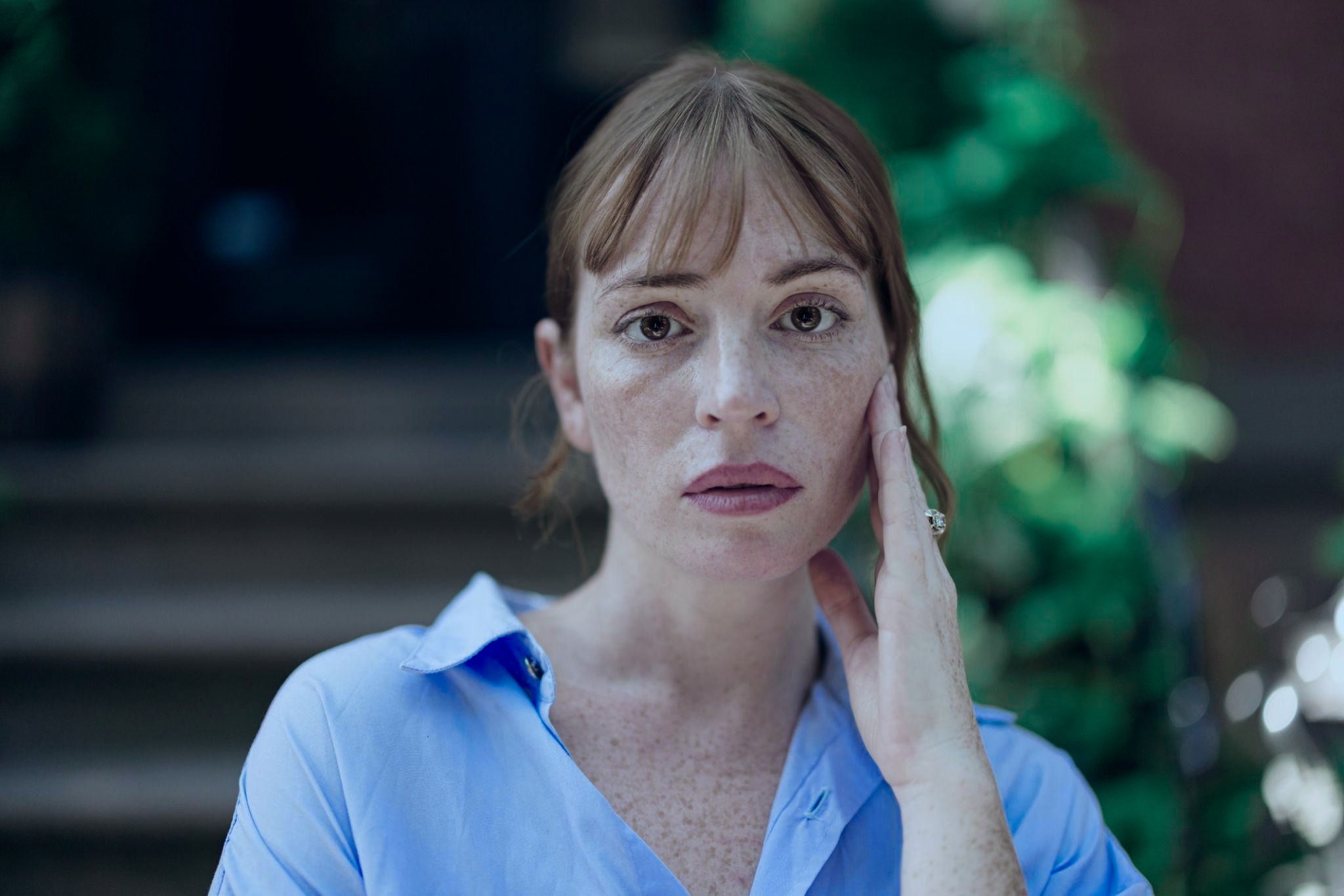
|
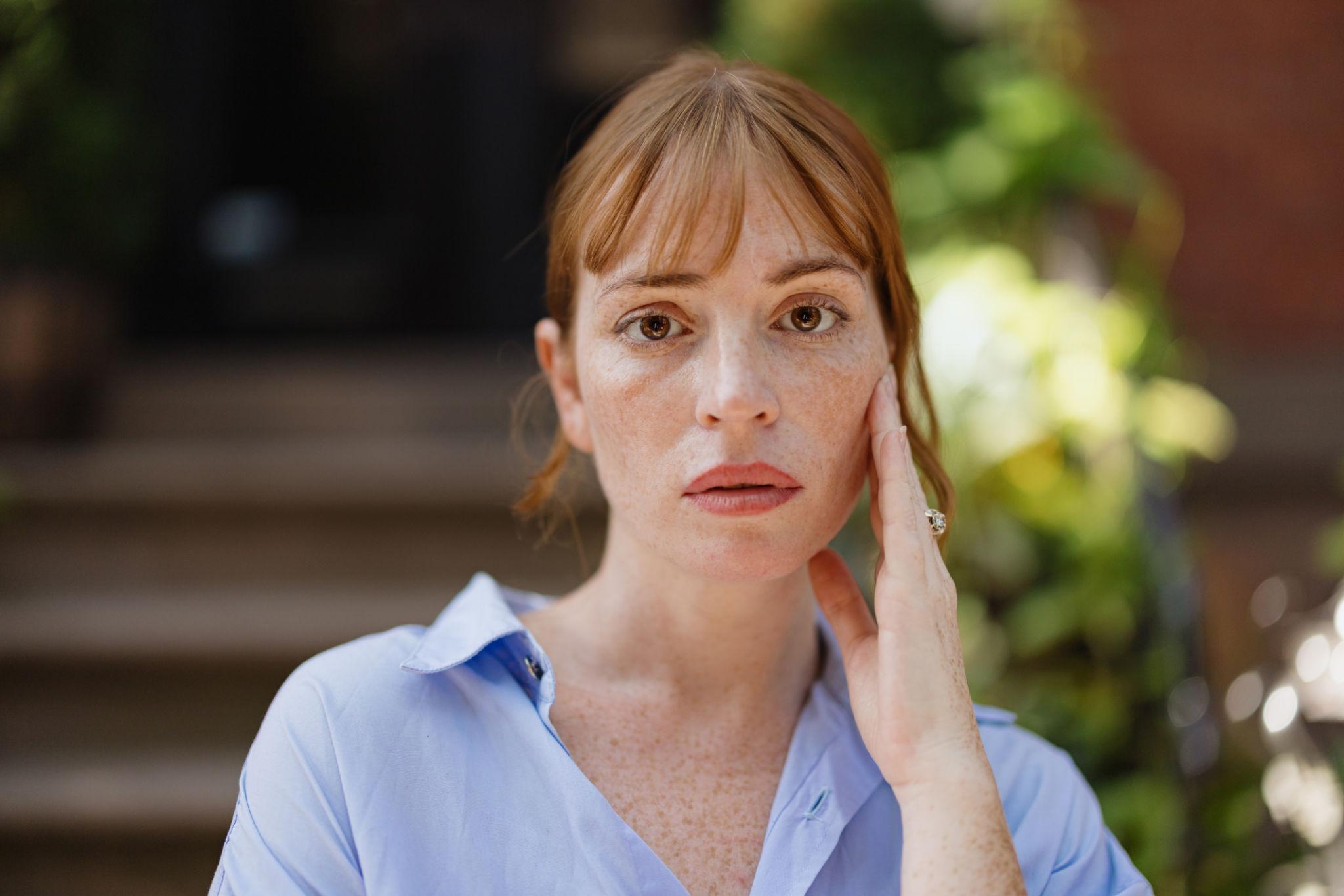
OriginalColor Matched

Portraits
Upload a reference image and automatically match and apply its color tone to your photos
Start Color Match Free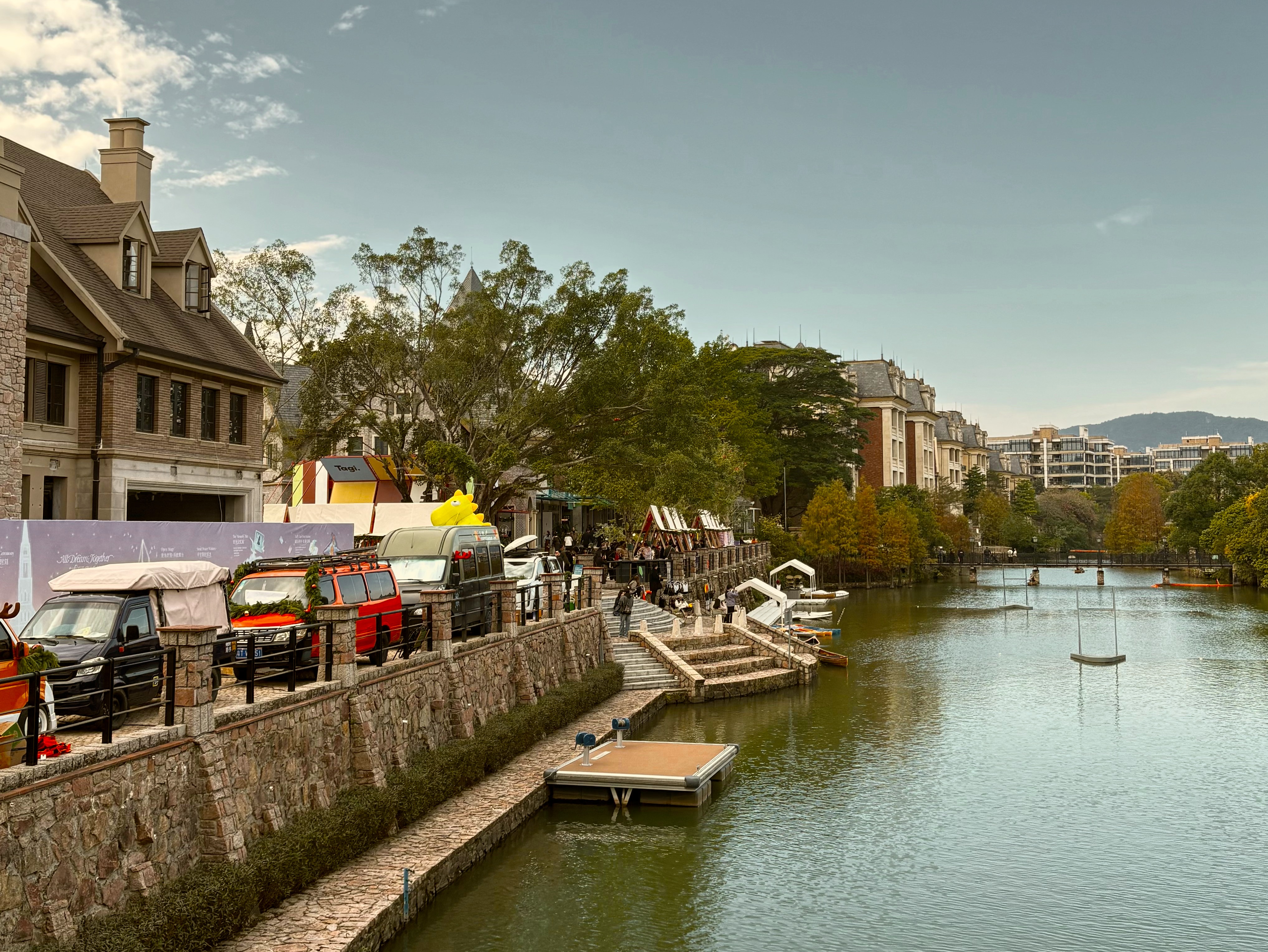

Examples
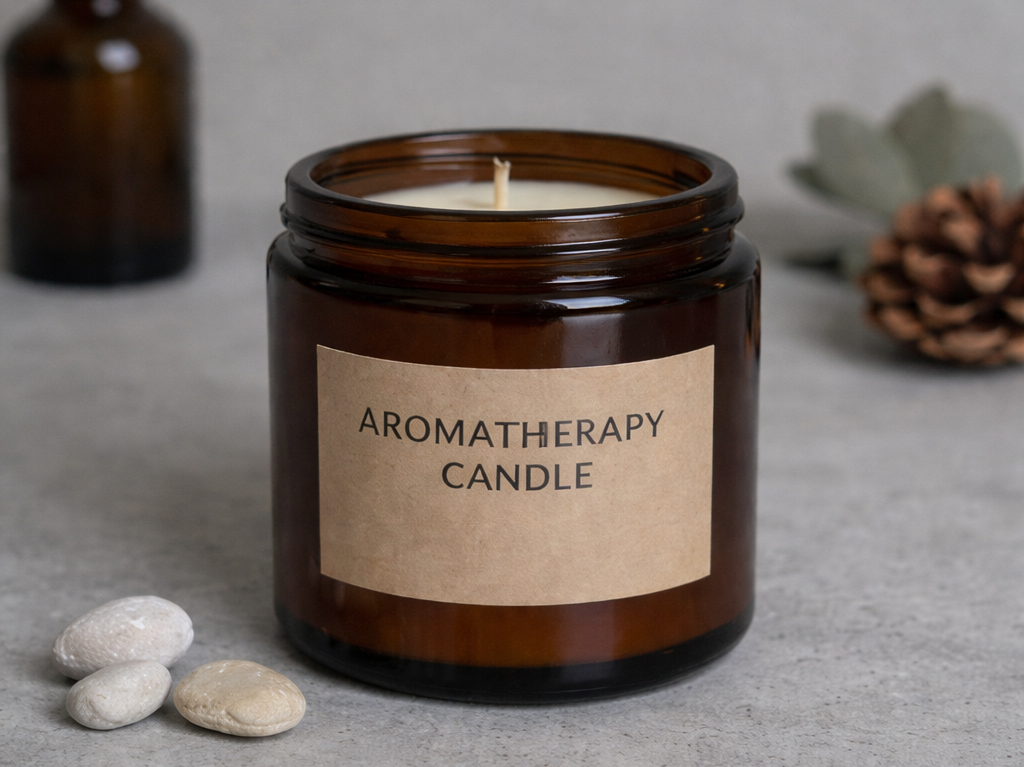
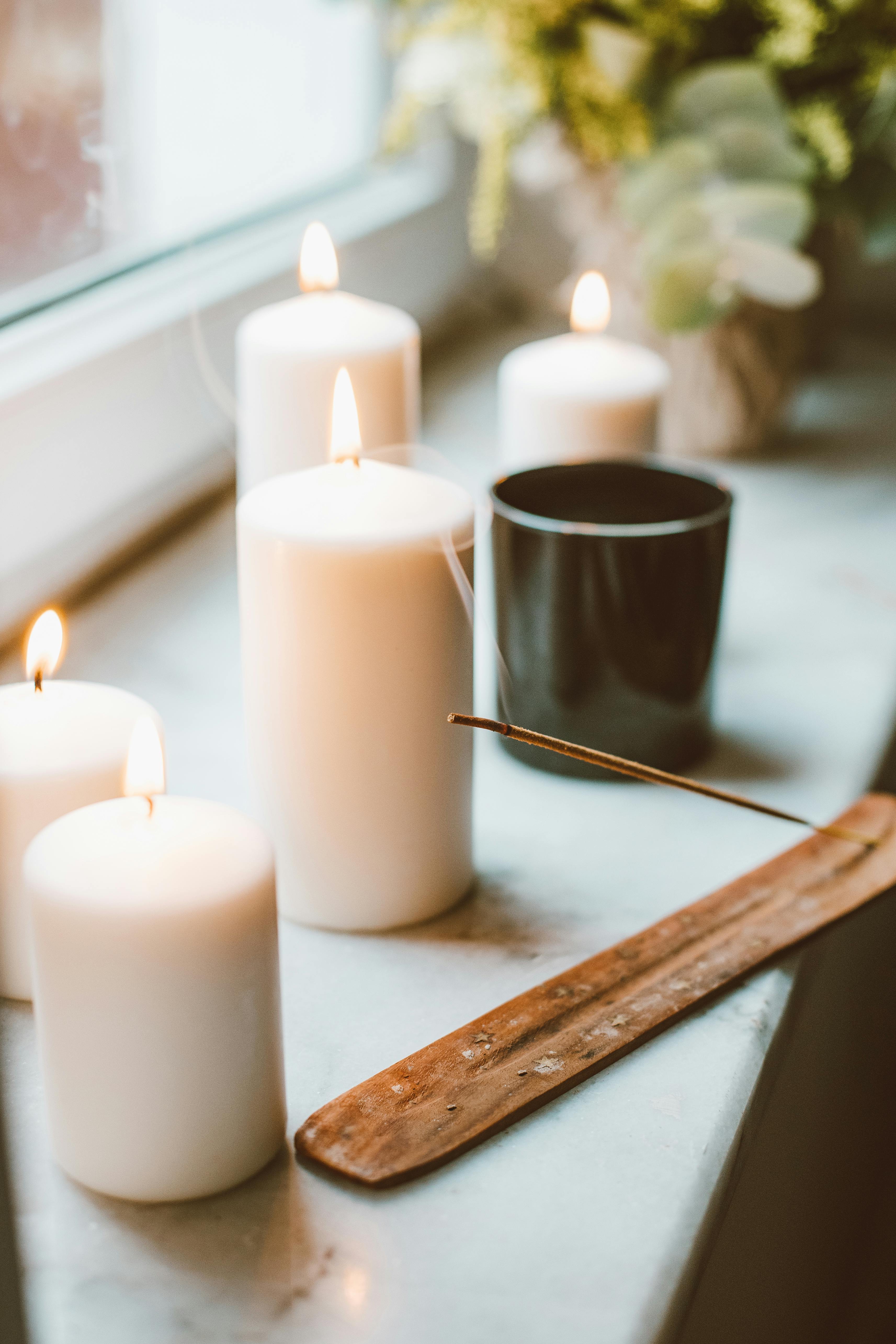
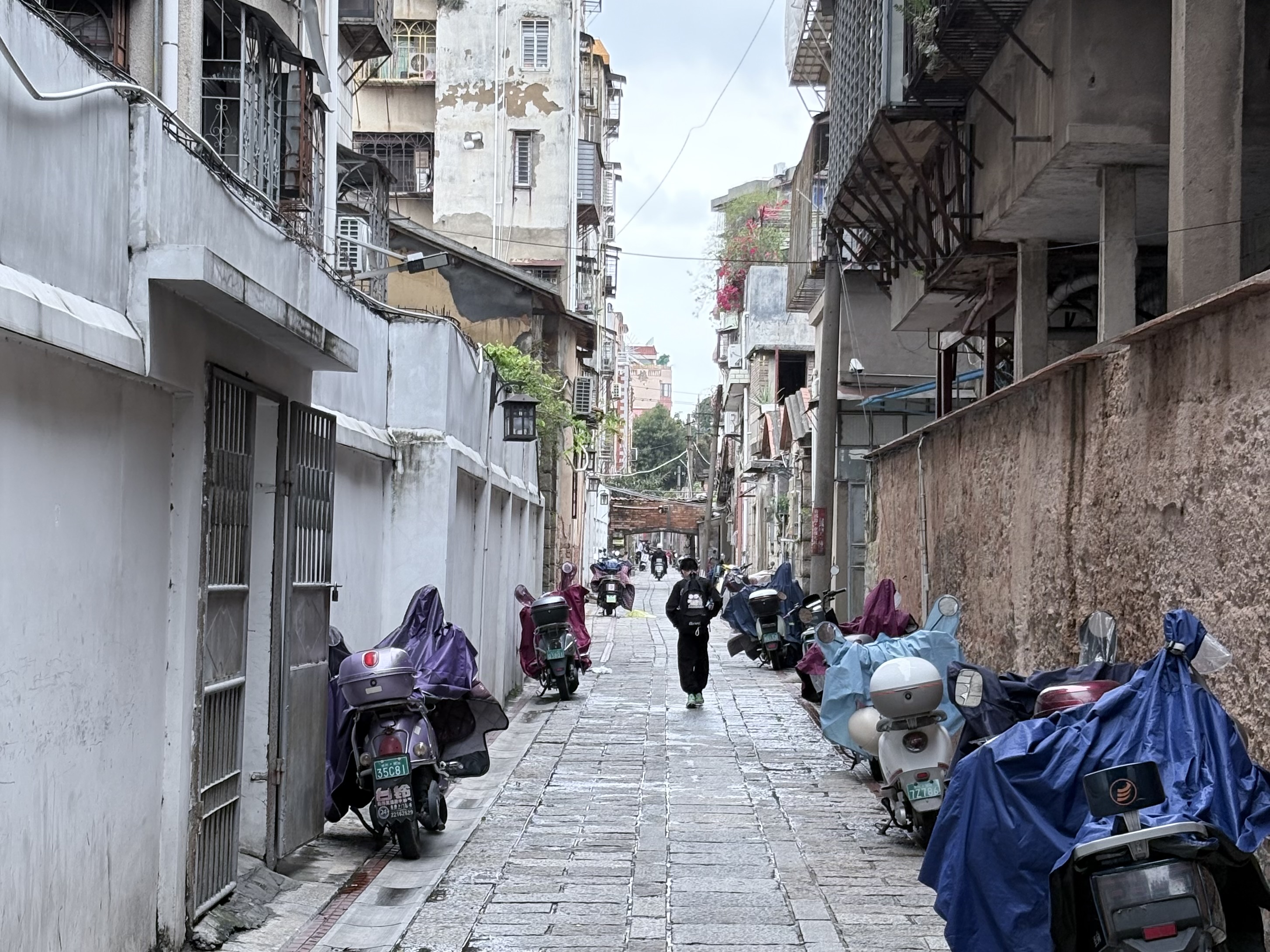
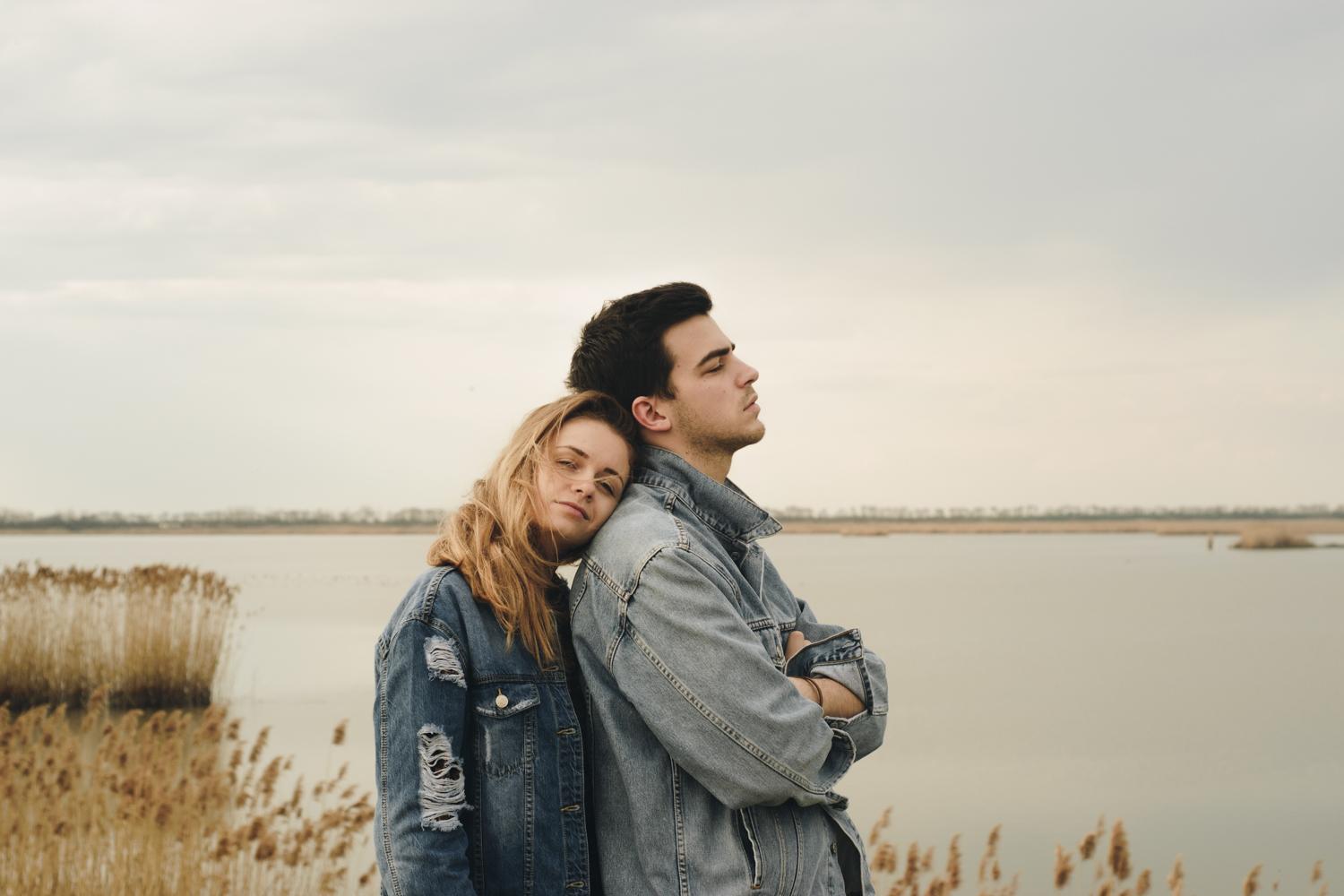
Real examples. Drag the slider to compare before and after.

How It Works
No learning curve, no manual needed.
Choose the image you want to regrade.
Pick an image whose color mood you want to match.
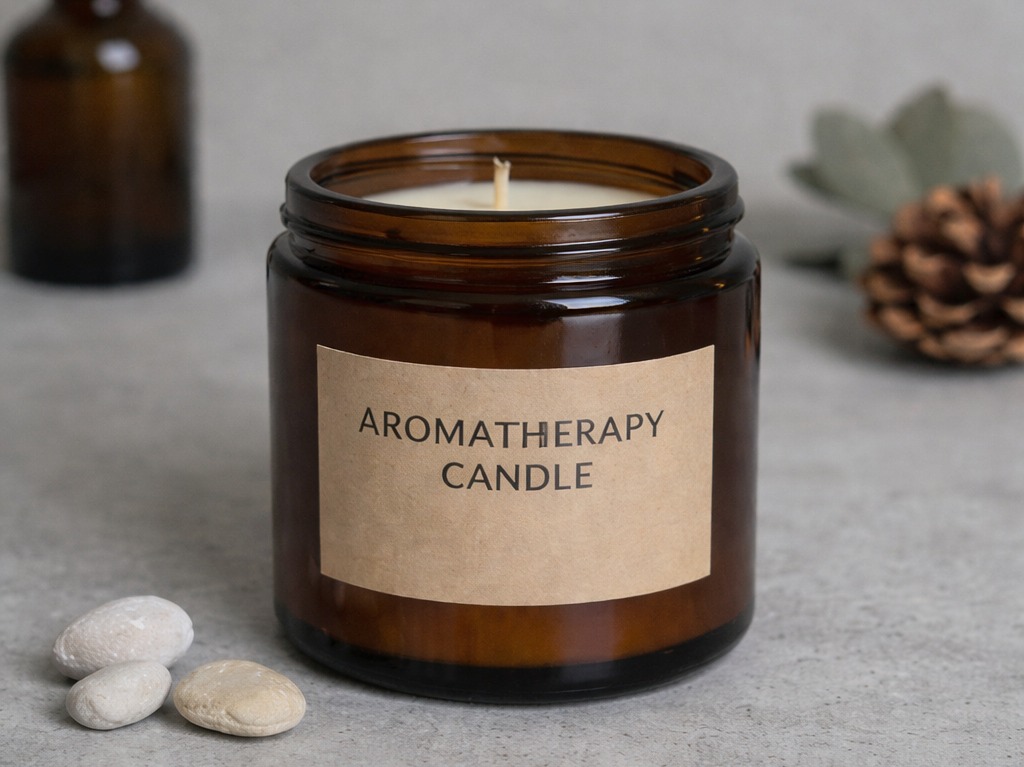
Auto-generated result with adjustable strength. Download when ready.
Image Editor
Adjust lighting, color, and composition right in your browser — no professional software needed.
Fine-tune RGB channels with an interactive curve editor
Adjust 8 individual hue channels — red, orange, yellow, green, and more
Brightness, contrast, exposure, temperature — core parameters in one place
Free-form or preset-ratio cropping, with multi-format export
Use Cases
Unified tone
Style transfer
Mood reshape
Visual consistency
Testimonials
“I used to grade images one by one. Now I just pick a reference and a whole product set is done in ten minutes.”
Retoucher
“A client sends a sample they like, I drop it in as a reference, and my turnaround doubles.”
Colorist
“Product pages finally match without going back and forth with the design team. I just upload a reference and it aligns.”
E-commerce Designer
FAQ
Answer the common concerns before users hit friction.
home.cta.kicker
Start for free, no sign-up needed.